See across the work area.
The curved front light strip spreads illumination across the task in front of you.
Black Friday Sale · Limited-time offer
01 / KINVONA BEAMPRO
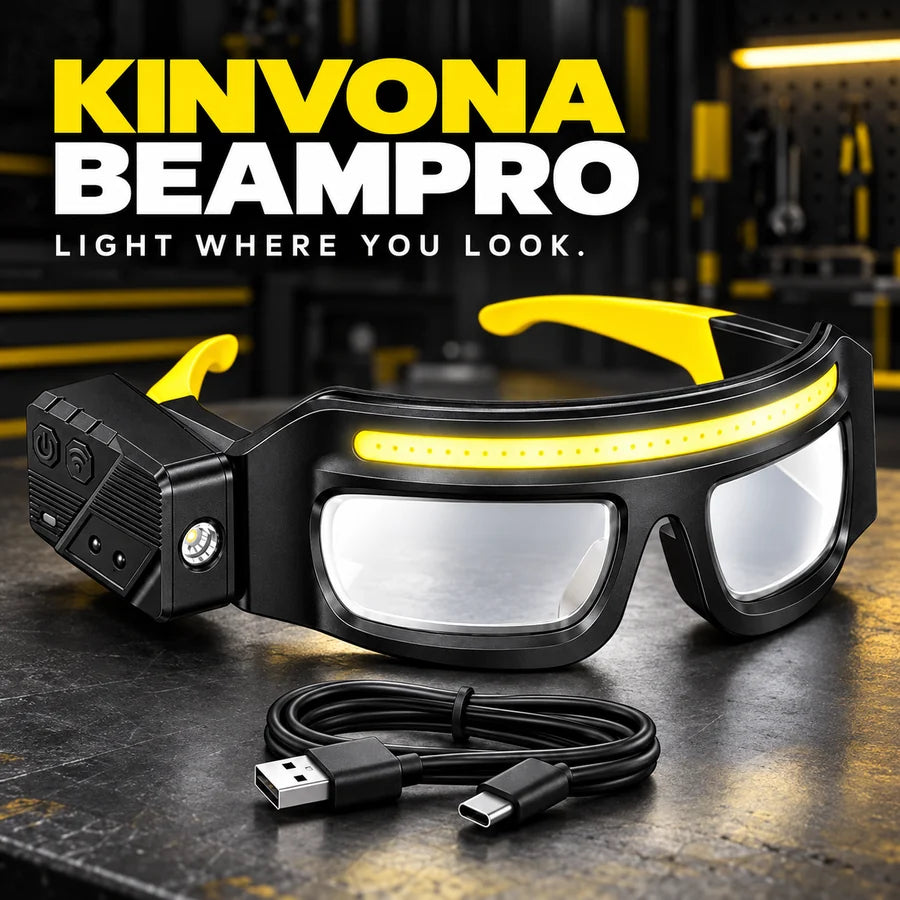
Rechargeable LED Work Light Glasses
Stop balancing a flashlight while trying to finish the job. BeamPro brings light to your line of sight, leaving both hands free for the task.
BUY ONE, GET THE SECOND 50% OFF
Total for 2 · second light 50% off
Each light includes a USB-C charging cable. Tools and other props are not included.
*Return conditions apply. Taxes calculated at checkout. Add two eligible BeamPro lights for the automatic second-light discount.
02 / KEEP BOTH HANDS ON THE JOB
A model to assemble. A fitting to check. A repair tucked into a dim corner. Put the light where you are looking and keep your hands on what you are doing.

03 / TWO WAYS TO LIGHT THE TASK
Choose the front COB strip for wider illumination, or the side spotlight for a more focused beam.
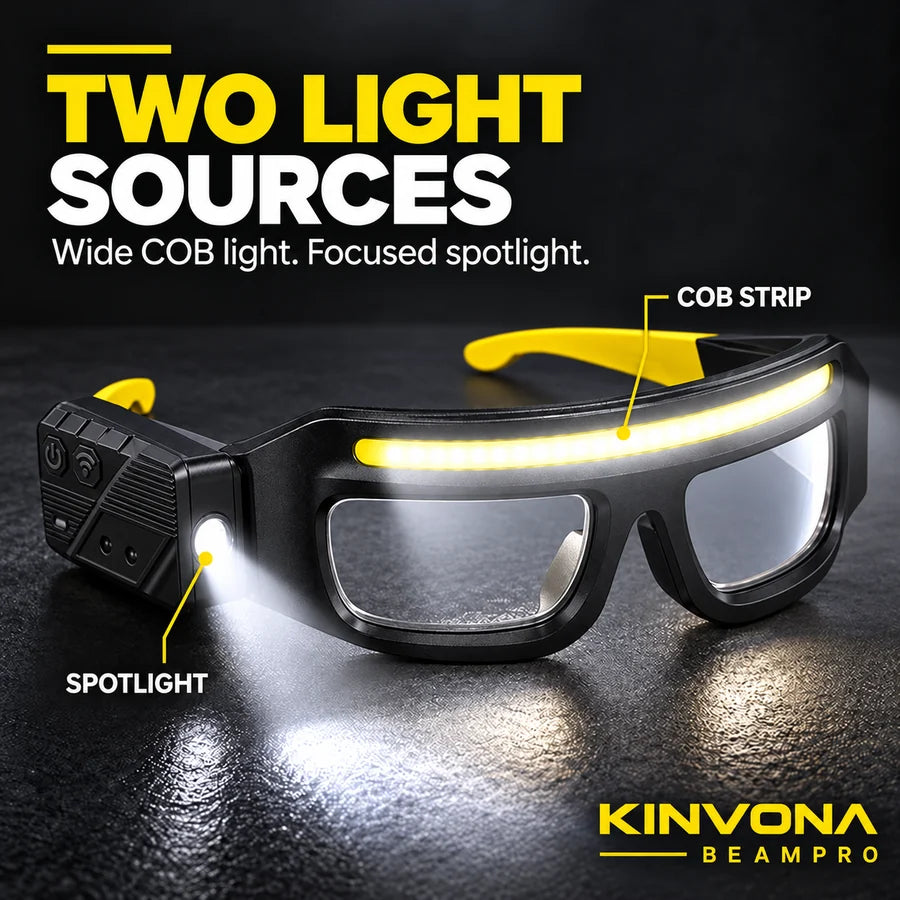
The curved front light strip spreads illumination across the task in front of you.
Switch to the side spotlight when you want a concentrated beam for a closer look.
The glasses-style frame follows your head movement without needing to hold a separate flashlight.
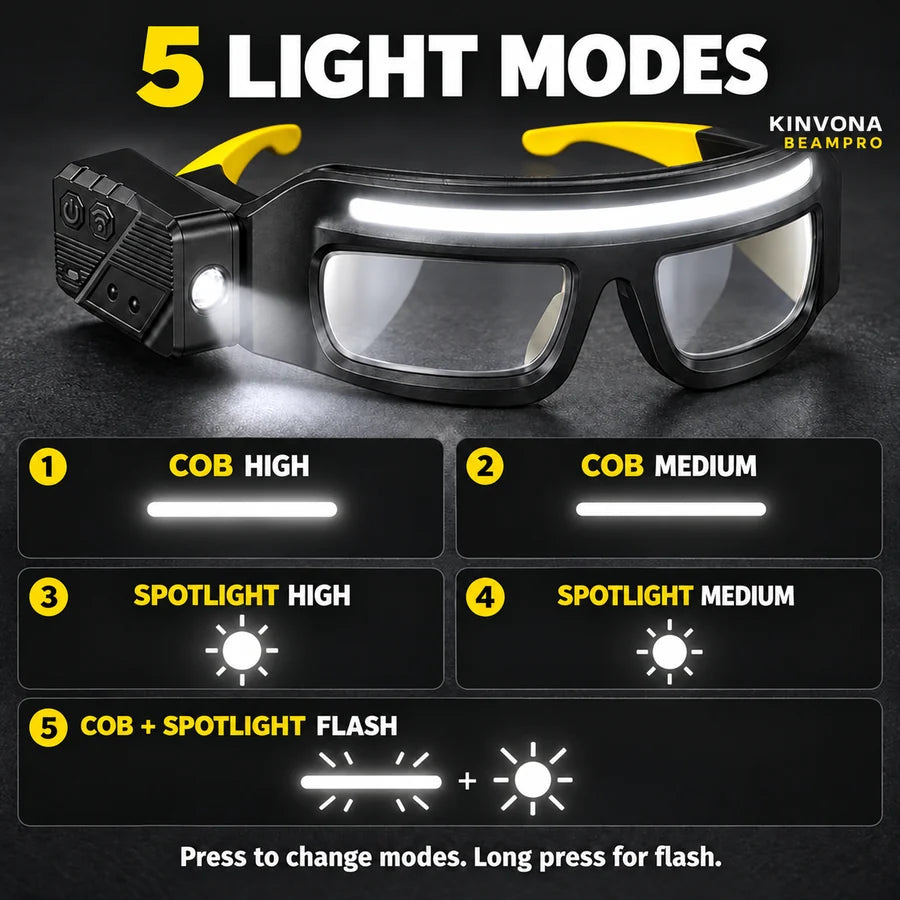
04 / CHOOSE YOUR LIGHT
05 / FREE UP YOUR HANDS
A practical alternative when holding a flashlight makes a small job awkward.
| Feature | BeamPro | Handheld flashlight |
|---|---|---|
| Hands during use | Both available | One usually occupied |
| Aiming | Follows head movement | Aimed by hand |
| Light options | Front strip + side spotlight | Varies by model |
| Wave control | With sensor enabled | Varies by model |
Choose lighting and protective equipment appropriate for your task.
06 / A WAVE IS ALL IT TAKES
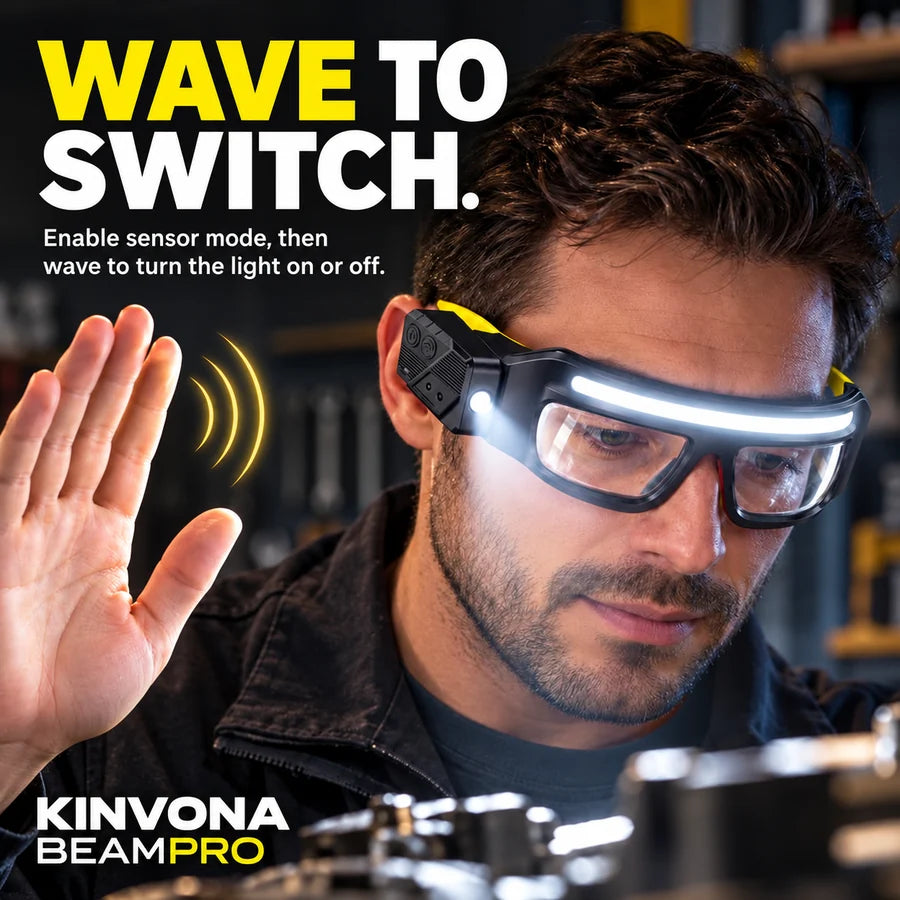
Enable sensor mode, then move your hand near the side sensor to turn the light on or off.
Use the power / mode button to select the light setting you need.
Press the separate sensor button to activate wave control.
Turn the light on or off without reaching for the power button. Disable sensor mode when you prefer manual control.
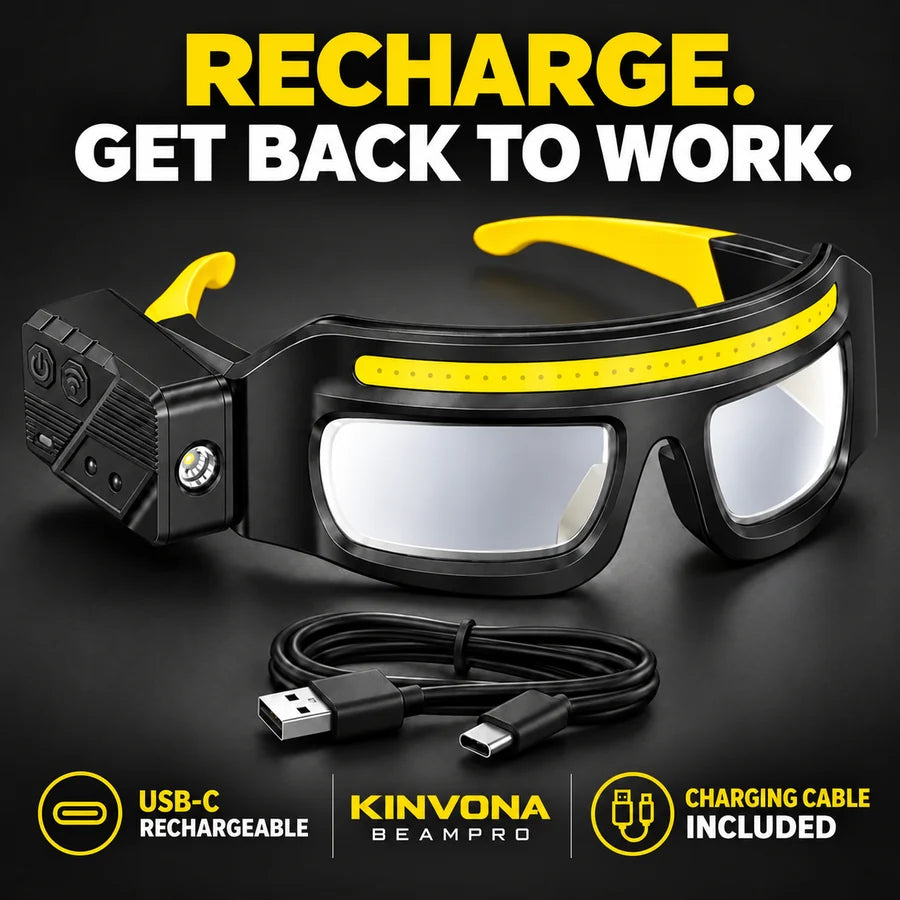
07 / RECHARGE FOR THE NEXT TASK
Recharge through USB-C using the included cable. Keep BeamPro ready for the next project without stocking disposable batteries.
Follow the supplied charging instructions. A wall adapter is not listed as included.
08 / BEYOND THE WORKBENCH
Keep your hands free while organizing camp, finding a small item or taking care of an evening task.
Keep one light for the workshop and another for your camping kit. Buy one and get the second 50% off.
Choose your offer ↑
One BeamPro costs $68.98 USD. Choose Buy 2 and the second light is 50% off: $68.98 + $34.49 = $103.47 USD for two, instead of $137.96 USD bought individually. Save $34.49 USD. The discount applies automatically in the cart and checkout. Local currencies use the store's local pricing.
Each unit includes one pair of BeamPro LED work light glasses and one USB charging cable. Buy 2 includes two lights and two cables. Tools, wall adapters and other props are not included.
First enable sensor mode using the separate sensor button. Then wave your hand near the side sensor to turn the light on or off. Turn sensor mode off when you want to use the buttons manually.
COB high, COB medium, spotlight high, spotlight medium, and COB plus spotlight flash. Press the power / mode button to change settings and long press for flash mode.
BeamPro is sold as a wearable work light. Magnification and certified eye protection are not specified for this model. Use appropriate certified eye protection when your task requires it.
Use the included cable with the USB-C charging connection and follow the supplied instructions. Battery runtime depends on the light mode and use; a verified runtime figure is not provided for this model.
Orders are typically processed within 1–3 days, followed by an estimated 8 business days in transit. Delivery times are estimates and vary by destination. Free shipping applies at checkout for supported destinations.
You may request a return within 30 days of delivery. Approval, item-condition requirements and return-shipping terms apply. Read the return policy linked in the footer or contact support@kinvona.com.
KINVONA / TOOLS FOR THE TASK.